Digital wedding invitationsthat open with a flourish
Each household receives its own invitation, addressed to them by name. Send it on WhatsApp in a tap, let it arrive as a card in your look, and watch it open like the real thing.

What it does
- 01
Addressed to every household
“Dear Tan family”, not “Dear guest”. Every link opens an invitation with their own names on it.
- 02
An opening worth waiting for
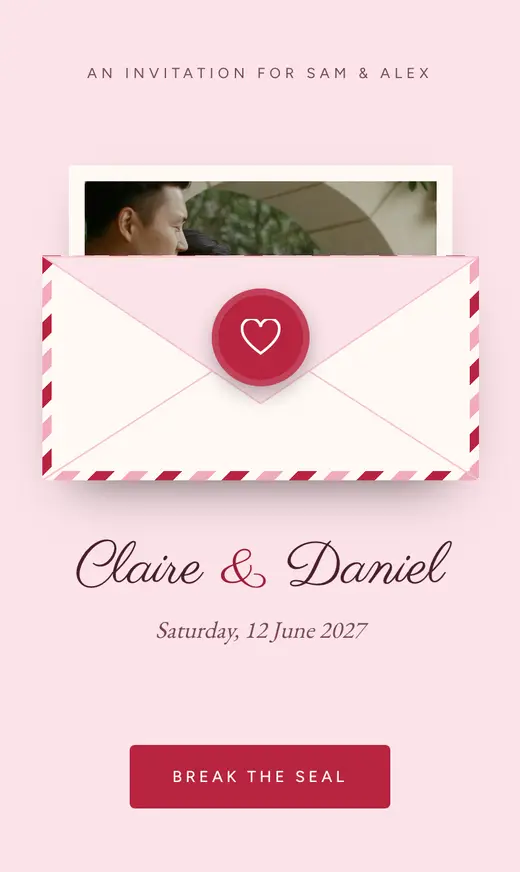
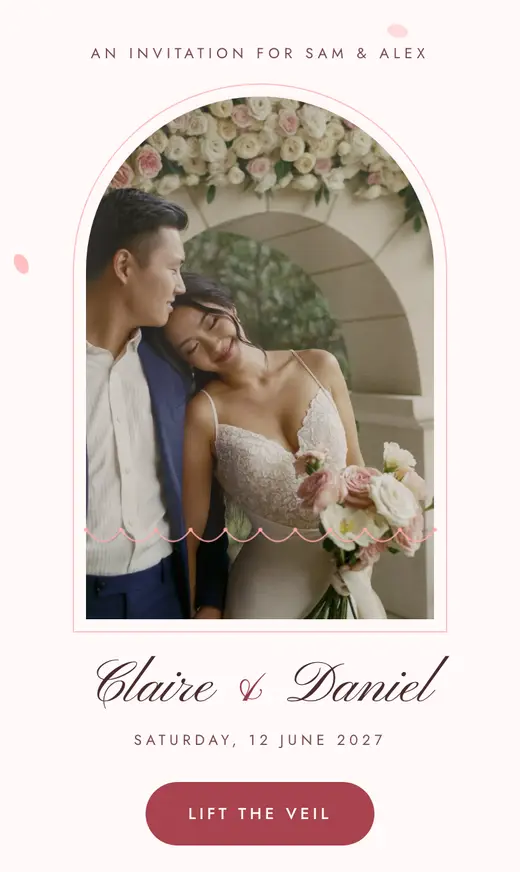
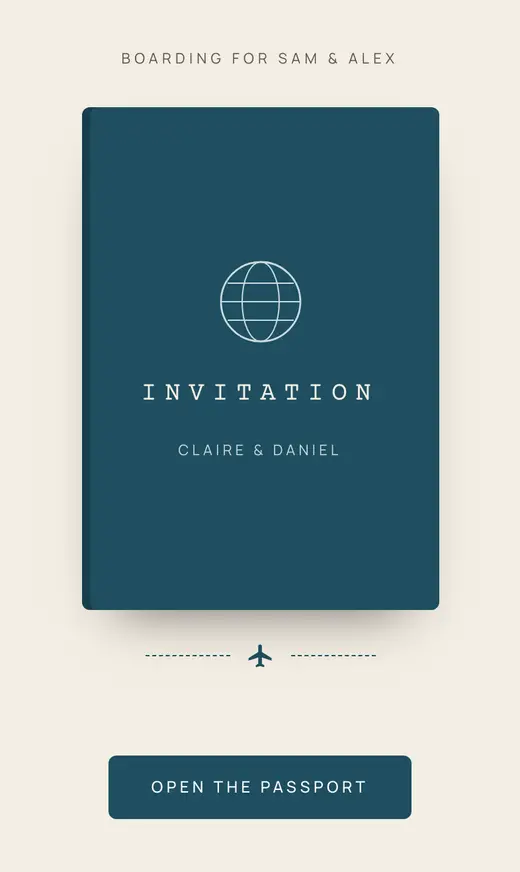
A seal breaks, a veil lifts, shutters fold open: each look opens its own way, and it stays still for anyone whose phone asks for less motion.
- 03
Made for WhatsApp
Share each household’s link from your guest list with a message you can edit. It arrives as a preview card in your look, with your photo if you choose.
- 04
One link for everything
The same link holds their invitation, the schedule, directions, the FAQ and their reply, so there is no separate card, map and form to send.
- 05
See who has opened it
Your guest list shows which households have opened their link, so you know who might need a gentle nudge.
- 06
Changes reach everyone
Update a time or a venue once and every household sees it on their next visit. Post an announcement for news worth pointing out.
Every look opens its own way
A love letter with a heart seal. Shophouse shutters over Peranakan tiles. A veil that lifts. A passport stamped on arrival. Browse all eighteen looks and open the sample invitation in any of them.

How it works
- 1
Choose a look
Eighteen designs, each with its own opening. You can change it later.
- 2
Add your households
Everyone who shares an invitation shares a household, and a link.
- 3
Send on WhatsApp
Tap to share each link with your own message, or copy it to send any other way.
Further reading
Questions
How do we send our digital invitations?
From your guest list: each household has a WhatsApp button that opens a message with their link, which you can edit before sending. Or copy the link and send it any other way.
Will our photo show in the WhatsApp preview?
If you like. The preview card is drawn in your look, and you can choose whether it includes your photo.
Do we still need printed invitations?
That’s up to you. Some families still like a printed card for elders; the digital invitation works alongside it and holds everything else.
What if we change a time or venue?
Update it once and every household sees the change the next time they open their link. You can post an announcement to point it out.
Can guests forward their invitation?
Each link belongs to one household and shows their names, so it’s best kept within the family. For anyone without a personal link, use the open reply link.
Create your invitation
Free to create and free to share with everyone you invite. Your names, the date and a look, and you can send the first link today.